
Website security starts with reducing obvious risk before an incident: use HTTPS, keep software updated, limit admin access, back up the site, monitor changes, and remove unnecessary plugins, accounts, and scripts. A hardened site is not risk-free, but it is harder to abuse and easier to recover.
Website Hardening Brief: Protect the connection, the admin area, the software stack, the data, and the recovery path.
Beginners should focus on defaults, updates, passwords, backups, permissions, and monitoring before advanced tools.
Security is a maintenance habit, not a one-time plugin installation.
Know what you are protecting
A website includes more than visible pages. It may have a content management system, database, admin logins, hosting account, DNS records, forms, analytics scripts, payment integrations, email settings, plugins, themes, media files, and backups. Attackers do not need to break the entire site if one weak account, outdated plugin, or exposed form is enough.
OWASP describes the Top 10 web application security risks as a reference standard for common web application risks. Beginners do not need to memorize every category immediately, but the message is clear: secure design, access control, configuration, and dependency management all matter.
Start with HTTPS and browser trust
HTTPS should be the default for any live website, especially one with forms, accounts, admin pages, downloads, or payments. It protects data in transit and helps browsers treat the connection as secure when certificates are configured correctly. If users see warnings, trust drops and support questions increase.
For a more detailed protocol comparison, read the HTTP vs HTTPS guide. For this article, treat HTTPS as the entry point, not the whole security plan.
Keep the software stack current
Outdated software is one of the most avoidable website risks. Content management systems, plugins, themes, server packages, frameworks, and libraries all age. Some updates add features. Others fix vulnerabilities. If a site relies on many plugins, every plugin becomes another maintenance item.
A beginner-friendly routine is simple:
- Remove plugins and themes you do not use.
- Update the CMS, plugins, and themes through official channels.
- Test important forms and checkout flows after updates.
- Keep a restore point before major changes.
- Avoid abandoned plugins with no recent support activity.
- Use a staging site for high-risk updates when possible.
CISA's Secure by Design materials are aimed largely at technology producers, but the principle helps site owners too: security should be built into how systems are designed, maintained, and supported, not bolted on after problems appear.
Tighten admin access
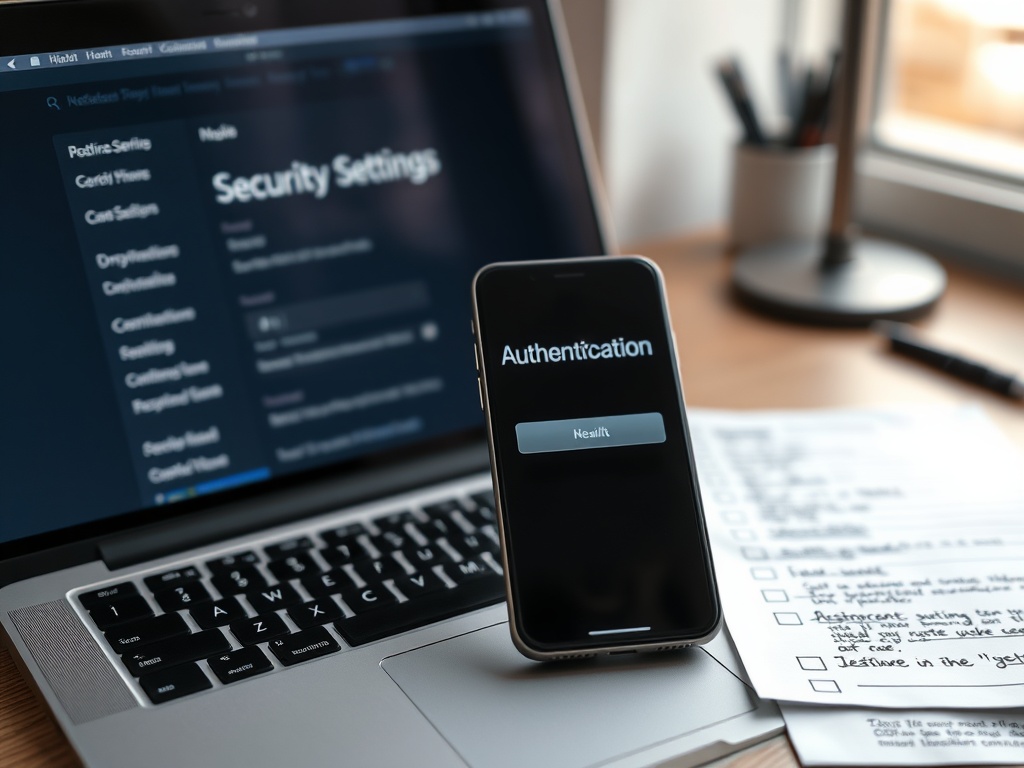
Admin access is often the easiest path to damage. Use unique admin accounts. Remove former employees, contractors, agencies, and test users. Avoid shared administrator logins. Turn on multi-factor authentication where possible. Give users the lowest role that lets them do their job. Change default usernames when the platform allows it.
Protect the hosting account, domain registrar, DNS provider, email account, and payment tools with the same seriousness as the website admin dashboard. A strong CMS password is not enough if the hosting account is weak.
Backups are a security control
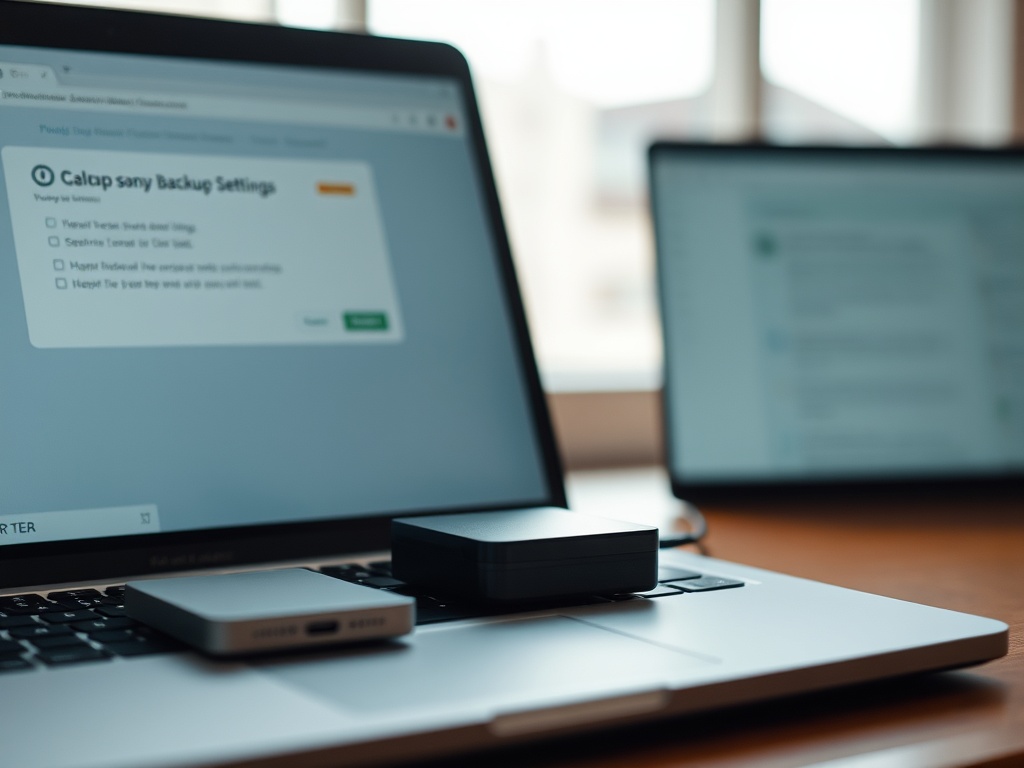
Backups are not only for accidental deletion. They help recover from malware, bad updates, defacement, server failure, or account compromise. A useful website backup includes files, database, configuration, and a known restore process. It should be stored separately from the live site so an attacker cannot delete both at once.
If your backup thinking is still mixed with consumer sync tools, compare approaches in Time Machine vs Backblaze and adapt the principle: backup should be recoverable, tested, and separate enough to survive the problem.

Reduce script and form risk
Forms, embedded scripts, and third-party tools deserve review. Every chat widget, analytics script, ad tag, form plugin, and tracking pixel adds dependency. Keep only what you use. Review form fields so you are not collecting more personal information than needed. Use spam protection carefully without adding inaccessible hurdles.
For more technical teams, Content Security Policy can help control what resources a browser is allowed to load. MDN explains how Content Security Policy can reduce certain script-related risks. Beginners do not need to implement complex policies on day one, but they should know that browser-side protections exist.
A beginner hardening checklist
Use this sequence:
1. Confirm HTTPS works across the whole site.
2. Update the CMS, plugins, themes, and server software.
3. Remove unused plugins, themes, accounts, and scripts.
4. Enforce strong passwords and multi-factor authentication for admin access.
5. Back up files and database to a separate location.
6. Test restore steps.
7. Review forms and data collection.
8. Monitor uptime, security alerts, and unexpected file changes.
9. Document who manages domain, hosting, DNS, and backups.
10. Recheck the plan monthly.
If customer or user data is involved, also review the data breaches setup checklist so prevention and response stay connected.
Keep the Site Boring in the Best Way
A secure beginner website should feel boring operationally: updates happen, backups restore, admins are known, warnings are rare, and forms collect only what they need. That kind of boring is a strong result.
Watch configuration drift
A site can become less secure over time even when nobody intends to weaken it. A temporary admin account stays active, an old staging site remains public, a plugin is installed for one campaign and forgotten, or a test form starts collecting real user data. This slow drift is common because website work often happens through small urgent changes. Schedule a recurring review of users, plugins, forms, redirects, DNS records, and backups so temporary decisions do not become permanent risk.
Make security visible to non-technical owners
If a business owner cannot see the security routine, it is easy to assume nothing is happening. Keep a short maintenance log with update dates, backup test dates, admin account reviews, and major configuration changes. The log does not need to expose secrets. It simply shows that the site is being cared for. This is especially helpful when an agency, freelancer, or internal team shares responsibility for the same website.
What to avoid when panic hits
Do not install several security plugins at once, restore random old backups, or change DNS records without notes. In a suspected incident, preserve evidence, change known-compromised credentials, contact the host, and document what changed. Fast action helps only when it is controlled.
For beginners, the most useful security tools are the ones that support this routine instead of hiding it. A dashboard, backup email, uptime alert, or change notification is valuable only when someone receives it, understands it, and knows what action to take.
Assign a specific owner to each alert so security messages are not ignored in a shared inbox.